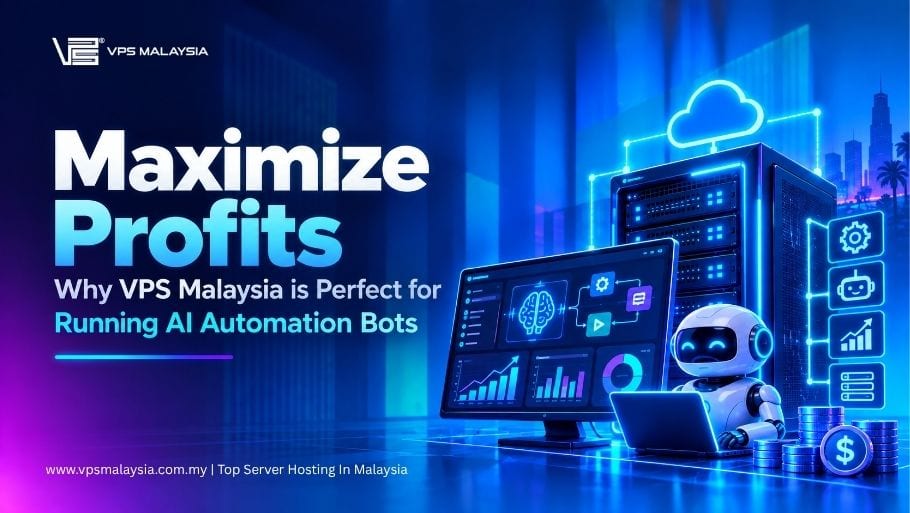
VPS Malaysia for AI automation bots is worth considering when you need a persistent place to run workflows, receive webhooks and connect business tools. Hosting can support better margins through predictable infrastructure costs and fewer avoidable interruptions, but the bot must deliver useful work before there is any return on investment.
This guide explains how to evaluate AI bot hosting for a Malaysian or Southeast Asian business, size an initial VPS and protect the data your workflows handle. It is a documentation-based planning guide, not a performance benchmark or a promise of profit.
What are AI automation bots?
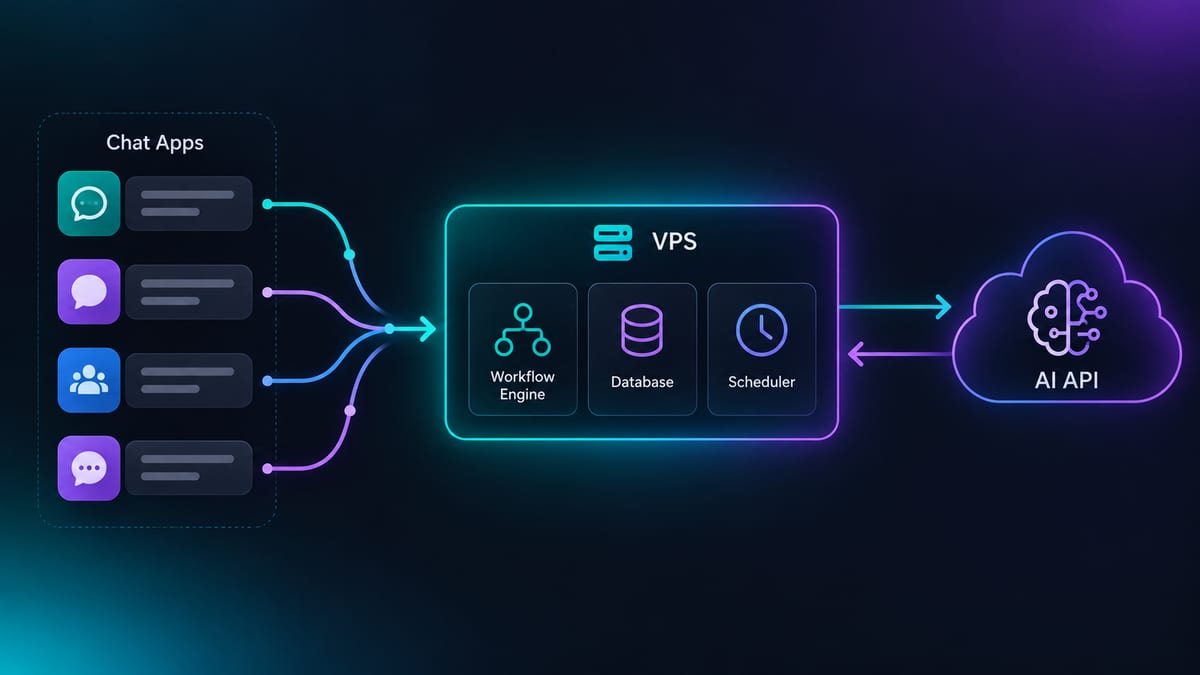
AI automation bots are programs that carry out repeatable tasks and may use an AI model to classify, summarise or generate information. The automation engine, database and scheduler can run on a VPS while the model runs at an external API provider.
- Workflow automation: move approved records between a CRM, spreadsheet, email service and messaging app.
- Customer support: answer routine questions and hand uncertain or sensitive requests to a person.
- AI agents: research, draft content or process documents within a defined set of permissions.
- Data collection: monitor permitted sources while respecting their terms, privacy rules and rate limits.
- Marketing operations: schedule approved posts, organise leads and compile reports.
- Market alerts: watch selected data and send notifications. Trading carries financial risk; infrastructure does not guarantee returns.
Not every task needs AI. Use deterministic rules for calculations and actions that must be exact, and reserve model calls for work that benefits from language understanding.
Why not just run bots on your own computer?
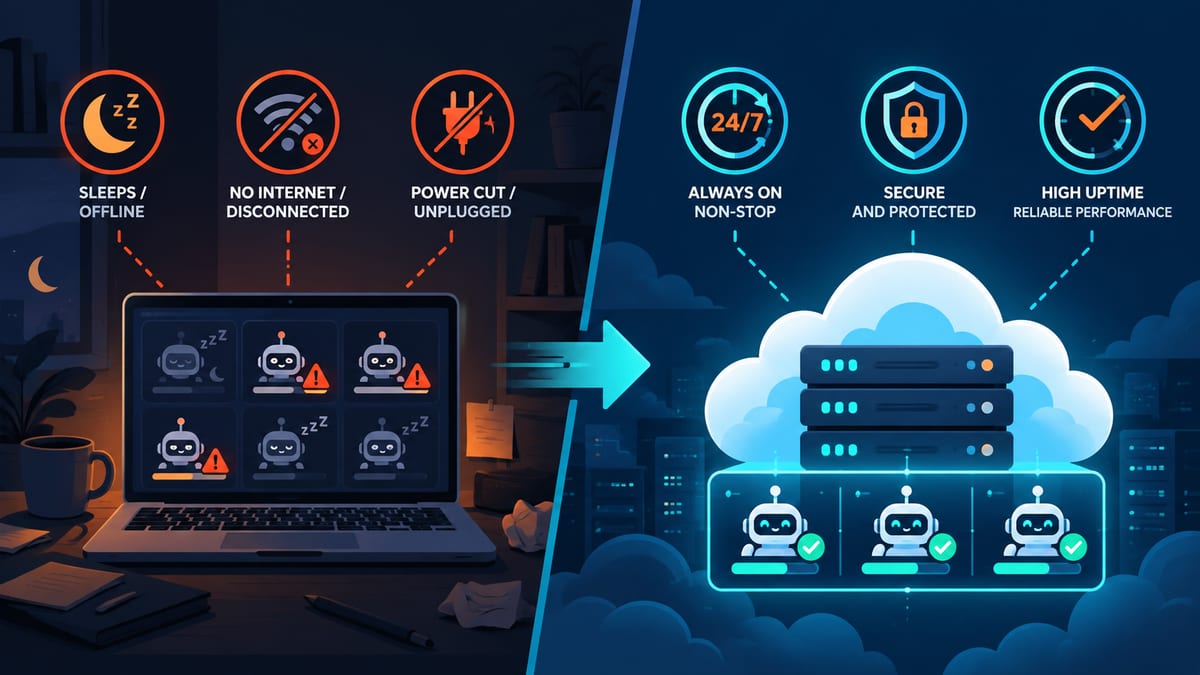
A laptop is useful for development, but closing the lid, restarting for an update or losing your home connection can interrupt scheduled jobs. Exposing webhook endpoints also requires careful networking and access controls.
A VPS separates the workload from your everyday computer and can keep services running while you are offline. It still needs monitoring, maintenance and recovery procedures: a stopped process or failed dependency can interrupt automation even when the server itself is reachable.
How a VPS can support healthier margins
1. Compare the full cost, not just the hosting bill
A VPS subscription provides a defined hosting charge for the selected billing term. AI API usage, messaging fees, software licences, backups, extra transfer and maintenance time can add separate costs. Check the plan terms rather than assuming every expense is included.
Self-hosting n8n can change your cost structure, but it is not automatically cheaper than a managed service. n8n is distributed under a Sustainable Use License, with limits on permitted uses; do not assume that hosting workflows for clients or reselling access has the same licence terms as internal automation.
Estimate monthly value as time saved and additional contribution margin, then subtract hosting, API, software and operating costs. Measure actual results before expanding. A higher number of runs is not useful if those runs produce errors or duplicate work.
2. Design for availability
A VPS allows a service to run independently of your office computer. Review the host's service-level agreement, maintenance terms and support responsibilities. Configure automatic restarts and failure alerts, and use durable queues, retry limits and duplicate protection where the application supports them.
3. Control your software and permissions
Administrative access lets you choose supported versions of Docker, Python, Node.js and your database. This flexibility also makes you responsible for patching, access rules and application configuration. Root access should be used for administration; bot processes should normally run with fewer privileges.
4. Scale from measured use
Begin with a workload you can observe. Increase CPU, memory or storage when execution queues, memory pressure or disk growth justify it. Ask whether an upgrade needs a reboot and make a backup before changing the allocation.
Why consider Malaysia for AI bot hosting?
Regional latency: test the complete workflow
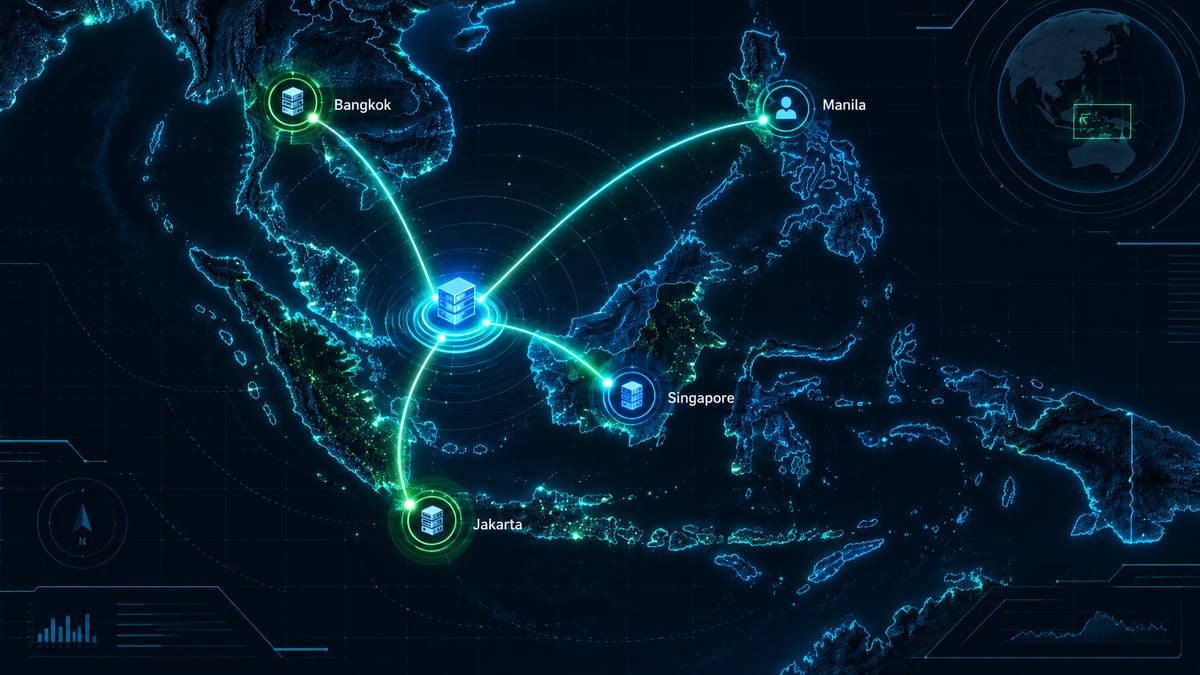
For users in Malaysia, Singapore, Indonesia or Thailand, a regional deployment may reduce the network distance to some services. Actual latency depends on routing, peering, congestion and the location of each API endpoint. A messaging platform or AI provider may process requests in another region.
Ask for a test address and measure connectivity from your users' networks. Test a real webhook-to-response journey as well as network latency: model generation time and third-party API delays can dominate the result. Treat low latency VPS Southeast Asia as a requirement to verify, rather than a guarantee attached to a country name.
Data residency: follow every copy of the data
If keeping records in Malaysia matters, confirm the physical location of the selected service and its backups in writing. A Malaysia IP address alone does not prove where all data is stored. Requests sent to external AI, chat, analytics or email services may still transfer information elsewhere.
Map the information collected, who can access it, retention periods and transfers to other providers. Hosting in Malaysia does not automatically establish PDPA compliance. Consult the Malaysian Personal Data Protection Commissioner's cross-border transfer guidance and obtain advice specific to your organisation.
Billing and support: check what is actually included
VPS Malaysia's AI automation VPS page displays pricing in RM and publishes the available resource allocations. Compare the billing period, renewal terms, tax and included support. Confirm whether assistance covers the server and operating system, your automation application, or both; do not assume the host will debug every workflow.
Choose a location based on the users and integrations you serve, then compare network tests and support terms. Regional branding alone is not a substitute for those checks.
Recommended VPS specs for AI automation bots
The following figures are initial testing budgets, not official software requirements, measured benchmarks or guarantees about how many bots will fit. Concurrent runs, browser automation, file sizes, database indexing and retained logs can change demand substantially.
| Workload | vCPU | RAM | Storage budget | What to measure |
|---|---|---|---|---|
| Light workflow automation | 2 | 4 GB | 40–80 GB SSD/NVMe | Simultaneous runs, payload size and execution history |
| Chatbots using AI APIs | 2–4 | 4–8 GB | About 80 GB SSD/NVMe | Connections, request queue and API response time |
| RAG with a vector database | 4 | 8–16 GB | 100 GB+ SSD/NVMe | Document index, embeddings and query concurrency |
| Data pipelines or permitted scraping | 4 | 8 GB | 100 GB+ SSD/NVMe | Browser processes, retained data and transfer |
| Small CPU-only local-model experiments | 8+ to evaluate | 16–32 GB to evaluate | 150 GB+ to evaluate | Exact model, quantisation, context length and acceptable response time |
These are workload budgets, not a list of VPS Malaysia packages. Match them against currently offered plans and keep memory and disk headroom. n8n's memory troubleshooting documentation explains why large payloads and simultaneous executions can exhaust memory; batching and lower concurrency can help.
API bots versus locally hosted models
When you run AI agents on a VPS using a hosted model, the VPS runs orchestration and integrations. Model inference happens at the API provider and its usage is billed separately. Avoid sending secrets or unnecessary customer data in prompts.
Running a model locally is a different workload. Memory needs vary with model size, precision and context length; CPU inference may be too slow for interactive use. GPU infrastructure may be needed for your target performance. Our local LLM server guide covers that separate infrastructure decision.
Features to check before choosing a VPS
- CPU and memory: understand whether CPU resources are shared or dedicated and what an upgrade involves.
- Storage: check usable capacity, database needs, log retention and the growth of uploaded files.
- Access: confirm the operating system, administrative access and container support needed by your software.
- Network: compare port speed, transfer allowance, overage terms and performance to your actual endpoints.
- Protection: confirm DDoS coverage and configure application authentication as well as firewall rules. Our DDoS protection guide explains the distinction.
- Backups: confirm whether off-server backups or snapshots are included or paid add-ons, where they are stored and how recovery works. The backup FAQ on our Linux VPS page describes the offered add-on; free backups should not be assumed.
- Support: check availability, documented response commitments and the boundary between infrastructure and application support.
For n8n VPS hosting, start with our n8n self-hosting walkthrough and compare it with the current official deployment guidance. Use a supported release, persistent storage and a recovery plan.
Security practices for bots on a VPS
- Secure administrative access. Test SSH key access in a second session before disabling password login. Keep a recovery path available.
- Patch deliberately. Keep the OS and dependencies maintained, take a backup and test application upgrades before replacing a working deployment.
- Restrict exposed services. Open only required ports, authenticate the editor and API, and protect public webhooks with verification appropriate to the sender.
- Protect credentials. Use a secrets manager or access-controlled configuration, avoid public repositories and logs, scope API keys narrowly and rotate compromised keys. Environment variables alone are not a complete security boundary.
- Limit bot privileges. Run services as unprivileged users. Containers help organise workloads, but privileged containers and access to the Docker socket can undermine isolation; see Docker's security guidance.
- Use HTTPS. Put an authenticated reverse proxy in front of internet-facing services and keep certificate renewal working.
- Back up and test recovery. Protect the database, persistent files, configuration and credential encryption key. Keep an encrypted copy off-server with separate access controls.
- Control AI actions and spending. Set provider limits where available, add request quotas and retry caps, and alert on unexpected usage. Budget alerts may not be hard spending caps. Require human approval for payments, deletion and other consequential actions, and treat incoming content as untrusted.

Make backups recoverable
A workflow export is not always a complete recovery copy. For n8n, protect its persistent data, database and credential encryption key, along with deployment configuration and any external storage you use. Follow the official backup and restore guide and perform a test restore into a separate environment before relying on it.
A realistic Kuala Lumpur store example
Imagine a small online store using an approved WhatsApp integration to answer product questions, record order events and generate a nightly sales summary. A VPS can host its workflow service independently of the owner's laptop, with human handoff for uncertain answers and reconciliation checks for missed or duplicated events.
Measure response time, successful runs, time saved and total monthly cost. Configure the scheduler for the intended time zone, such as Asia/Kuala_Lumpur, and verify the behaviour around scheduled jobs. This is an illustrative scenario, not a customer case study, measured result or guaranteed return.
Common mistakes to avoid
- Buying hardware before defining the workload. Prototype with realistic concurrency and files first.
- Confusing API hosting with model hosting. A bot calling an AI API has different needs from a local inference server.
- Assuming every retry is safe. Use duplicate protection for actions such as creating orders or sending messages.
- Skipping monitoring. Alert on failed jobs, queue growth, memory pressure, disk use and unexpected API bills.
- Ignoring data flows and licensing. Review external processing and software terms before handling customer data or serving clients.
- Choosing on the headline price alone. Compare the same billing term, resources, maintenance responsibilities and recovery options.
Conclusion: match the server to the value your bot delivers
A VPS can provide a persistent, controllable foundation for automation. The business result depends on useful workflows, realistic operating costs and reliable maintenance. Test latency, size from measured demand, protect credentials and prove that you can recover before expanding.
Ready to evaluate your setup? Explore VPS Malaysia's AI automation plans, compare VPS server options or talk to our team about your workload and support requirements.
About the author and sources
Written by Kaif, Content Operations Executive at VPS Malaysia. Documentation reviewed on 1 October 2026. This guide combines the website's published product information with the official sources linked above; it does not report hands-on benchmarks or claim professional legal or financial credentials.
Disclaimer: Resource figures are planning estimates and outcomes vary by workload. This article is not legal, financial or investment advice. Confirm current product terms, software documentation and your organisation's data obligations before deployment.